
.svg)
...


Oops! Something went wrong while submitting the form.


.webp)
.svg)
EquityList Team
21 Nov, 2024
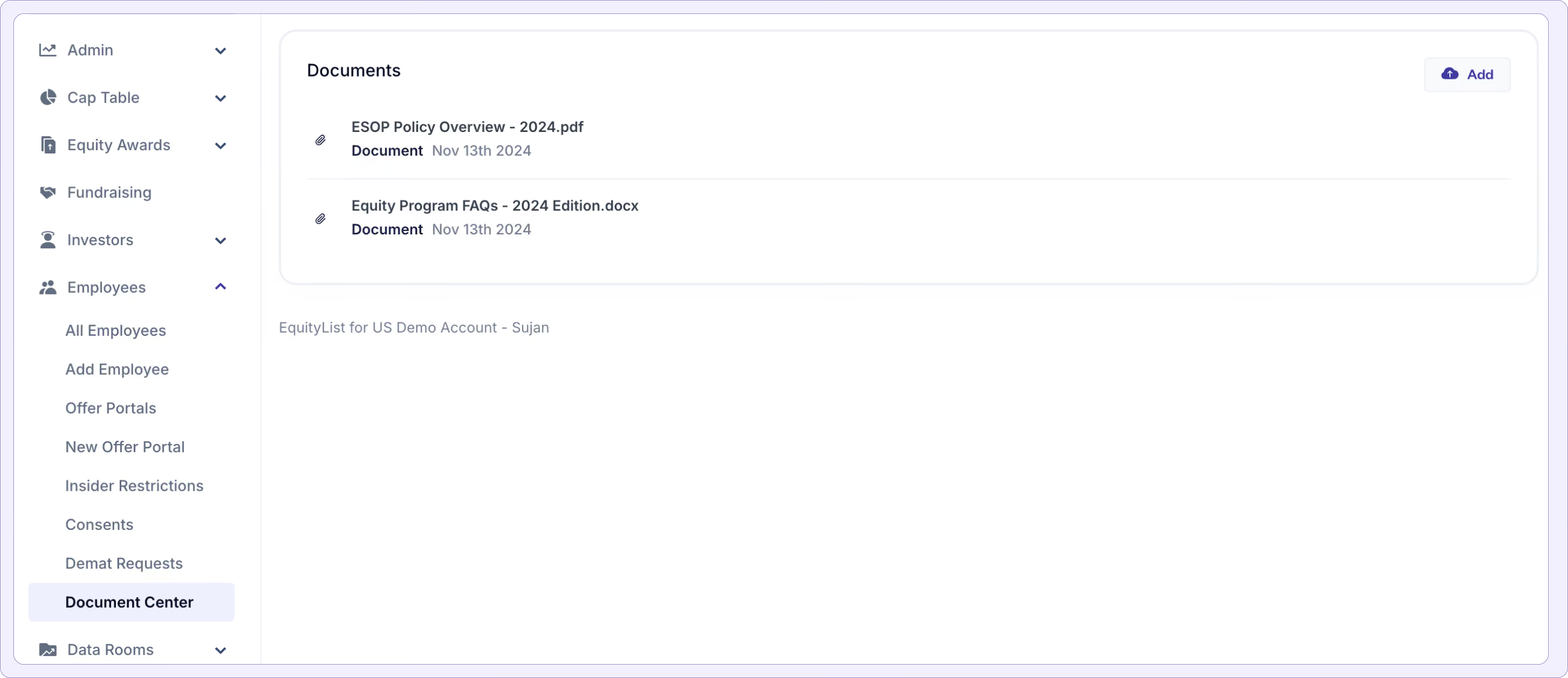
Under Employees > Document Center, employees and other stakeholders with grant documents can find system-generated documents auto-populated within their dashboard in a single place. Company admins can also upload standard employee documents that can be securely accessible in their dashboards.
Data Rooms are document vaults with additional security measures (like access passcodes) and are designed to share confidential information with fewer people, like investors or board members.
In contrast, a Document Center is more open, one-to-many option i.e. with a single upload, company admins can make a file available to all employees.
(Tip: As an EquityList admin, if you’re collecting employee consents, a signed copy of their own consent letter will also be automatically stored in the Document Center at their end.)

.svg)
EquityList Team
21 Nov, 2024
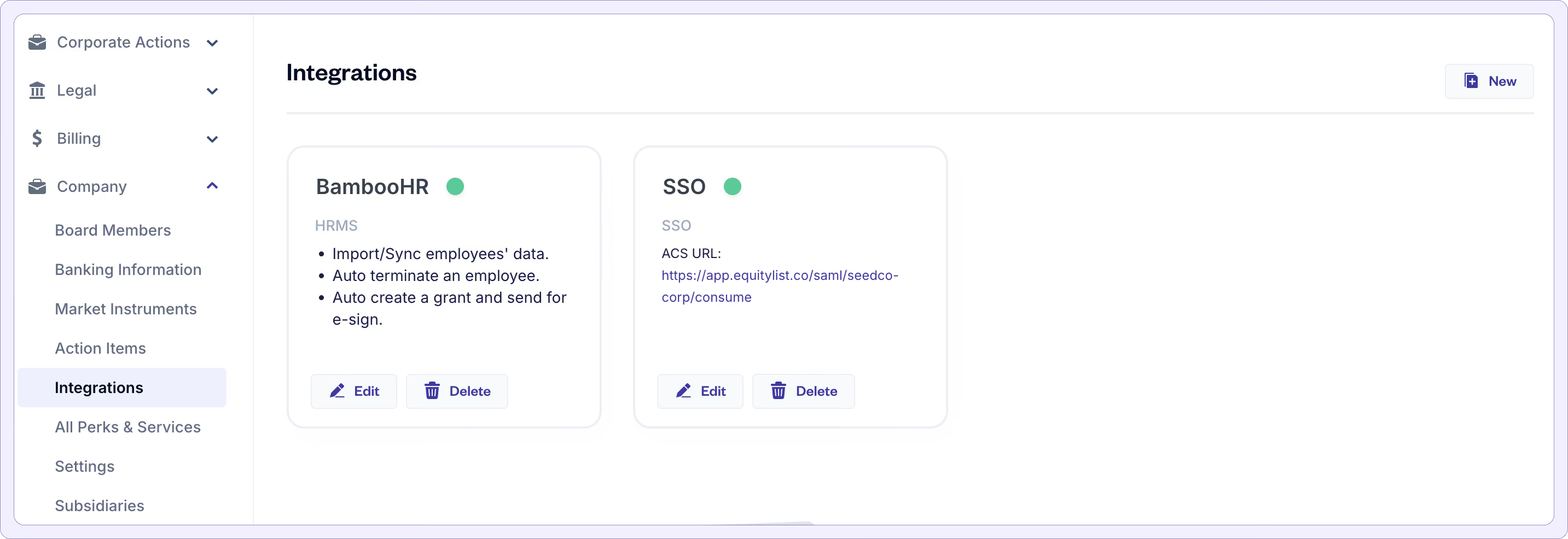
For our customers already using Single Sign-On (SSO) to streamline access to applications like Jira, GitHub, and Outlook via Microsoft Active Directory—we’re excited to announce a new SSO integration with EquityList.
Employees and admins can now access their EquityList accounts directly from their Active Directory or other SSO dashboards without needing separate EquityList credentials.
EquityList Team
21 Nov, 2024
Company admins can now show their FMV growth chart to option-holders directly in their dashboards.
This option is disabled by default since many companies may want to first ensure that their entire valuation history is correctly uploaded on the EquityList platform in the first place.
(If you're an EquityList customer and would like to enable this option, reach out to your Account Manager or write to us at help@equitylist.co.)
EquityList Team
21 Nov, 2024
With the updated board approval features, admins can now seek Board Consents directly while issuing equity grants to stakeholders.
EquityList Team
21 Nov, 2024
EquityList now provides a Comprehensive Cap Table Ledger export that consolidates all relevant information into a single report. This report, accessible under Cap Table > Exports, offers detailed insights, from ESOP grants to share certificates, and share classes.
This all-in-one report is designed to streamline cap table management, offering a holistic view for easy reference and decision-making. Any feedback is welcome as we continue refining this enhancement!