







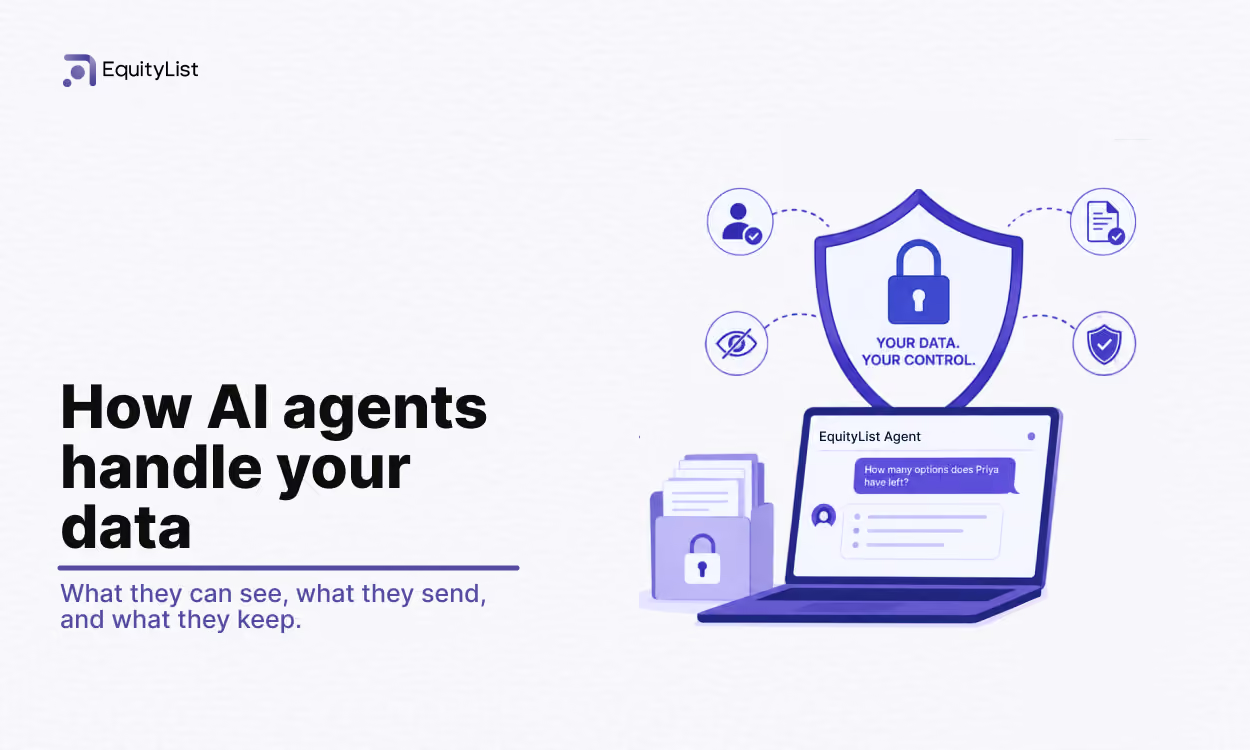
Key takeaways
- Agents can't see more than you already can. Its access is checked against your existing EquityList role, every time.
- Nothing changes without your confirmation. Every write action shows a preview first and only runs once you approve it.
- Your conversations are private to you and your company. Not even administrators can open another member's threads.
- Identifiers are redacted before anything reaches the AI model, and none of your data is used to train Google's models.
At a glance
Can AI agents see anything I couldn't already see myself?
No. Agents only have access to what your existing EquityList role already lets you see.
It works through a fixed set of tools, one for listing grants, one for the cap table summary, one for drafting a certificate, and so on. Each tool carries the same permission requirement as the matching screen in your dashboard. If you can't open the cap table page, you can't get a cap table answer from agents either.
This is checked more than once. Tools you're not permitted to use are withheld from the model entirely, checked again before any tool runs, and checked a third time when you confirm a change. Any action that writes data goes through the same validation and authorization layer the dashboard itself uses.
Can AI agents make changes to my cap table on their own?
No. AI agents cannot execute a change by itself.
When you ask it to create a grant, record an exercise, or draft a certificate, it prepares a preview card showing exactly what would happen. The change only runs once you press confirm, and your permission is checked again at that moment.
Every confirmed action records who approved it and when. The resulting change is written to the same audit trail as any change made through the dashboard. If you decline a preview, it's discarded.
Can anyone else read my conversations with AI agents?
No. A conversation belongs to the person who had it.
Other members of your company, including administrators, cannot open your threads. Every conversation is locked to one company. A request that crosses company boundaries returns nothing, and this isolation is tested directly in our test suite.
You can clear a conversation at any time. Clearing it permanently deletes its messages.
What information actually gets sent to the AI model?
Three things: your message, a bounded window of the recent conversation, and the specific records the question needs, the same rows the permitted dashboard screen would show you.
Identifiers are redacted before anything leaves our infrastructure. Email addresses, phone numbers, PAN, Aadhaar, SSN, passport numbers, and bank details are replaced with placeholder tokens first. Names and figures are kept, because they're usually the substance of the question. "How many options does Priya have left" can't be answered without them.
Text you type yourself goes through unredacted. Avoid pasting identifiers you wouldn't want processed.
The model itself is Google Gemini on Vertex AI, called from EquityList's own Google Cloud project over encrypted connections, authenticated by workload identity rather than shared API keys. Google's Vertex AI terms prohibit using customer prompts and responses to train Google's models.
What does EquityList store from these conversations?
Conversation transcripts: your messages, agent’s replies, and the result cards in between. They're stored in the same Google Cloud infrastructure that holds the rest of your EquityList data, encrypted at rest by the platform, and stay inside your company's account. They're never shared across tenants.
The search index that lets the agent recall earlier parts of a long conversation is built from the redacted text, never the raw version. EquityList's usage records for each model call hold only token counts and cost figures, no message content.
Internal alerting works the same way. If a conversation goes wrong and EquityList's team gets notified, the notification carries reference IDs, not what was said.
What happens to a document I share in chat?
You can hand an AI agent a document, a board resolution or a grant letter, and ask it to read and act on it. It's interpreted inside that conversation only. The agent doesn't file it into your document repository or create records from it without your confirmation, and government-issued identifiers are stripped from the text before it's classified.
A document's authority is deliberately short-lived. Four hours after upload, it stops pre-filling or justifying any action, and the AI agent will ask you to re-attach it.
What will the AI agent refuse to answer?
Anything outside your equity data. The AI agent answers questions about your equity data and declines the rest — it will not give tax or legal advice, quote market data, or answer general questions unrelated to your records. We maintain an adversarial test suite that probes these boundaries, including prompt-injection attempts, requests to reveal internal instructions, and requests for other companies’ data, and we run it against changes to the assistant.
Numeric answers are drawn from values computed by our own accounting code and passed to the model — the model narrates figures; it does not do the arithmetic. Requests are rate-limited per user, and a single reply is capped in both time and model usage.
What AI agents never do
- Execute a change without your confirmation.
- Show one company's data to another, or one member's conversation to another.
- Answer beyond what your role permits you to see.
- Send message content in internal alerts.
- Contribute your data to model training, per Google Cloud's Vertex AI terms.
Questions about anything in this document: write to help@equitylist.co.
.avif)
.avif)
.svg)
.svg)